Online booking portal

Your online booking portal for motorhomes

Your customers find and book the right motorhome directly online. Reservations, availability and emails are handled automatically – in your brand design.

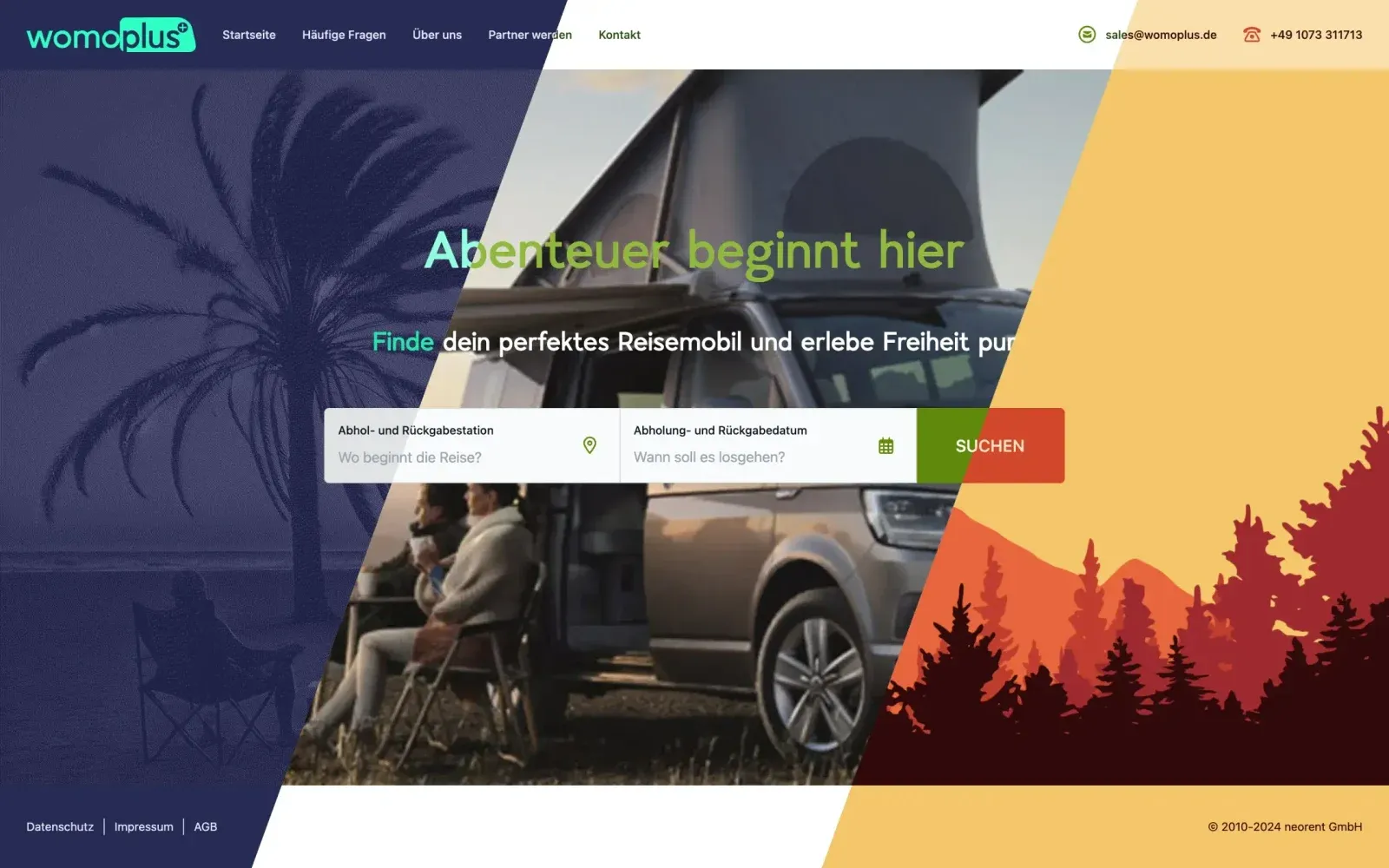
womoplus online booking portal in three different designs

Features

From search to booking

The booking portal is connected to the rental software: every booking lands in the system immediately and availability is always up to date.

Fully customisable design

Design the portal to match your brand: you adapt colours, fonts, logo and backgrounds using CSS variables and your own CSS. We are happy to help.

  • Your own coloursAdapt colour schemes to your branding via CSS variables.
  • Your own fontsYour corporate fonts for a consistent look.
  • LogoYour company logo directly in the portal.
  • BackgroundsSet your own background images and patterns.
  • Your own CSSFor everything else – with plenty of creative freedom.
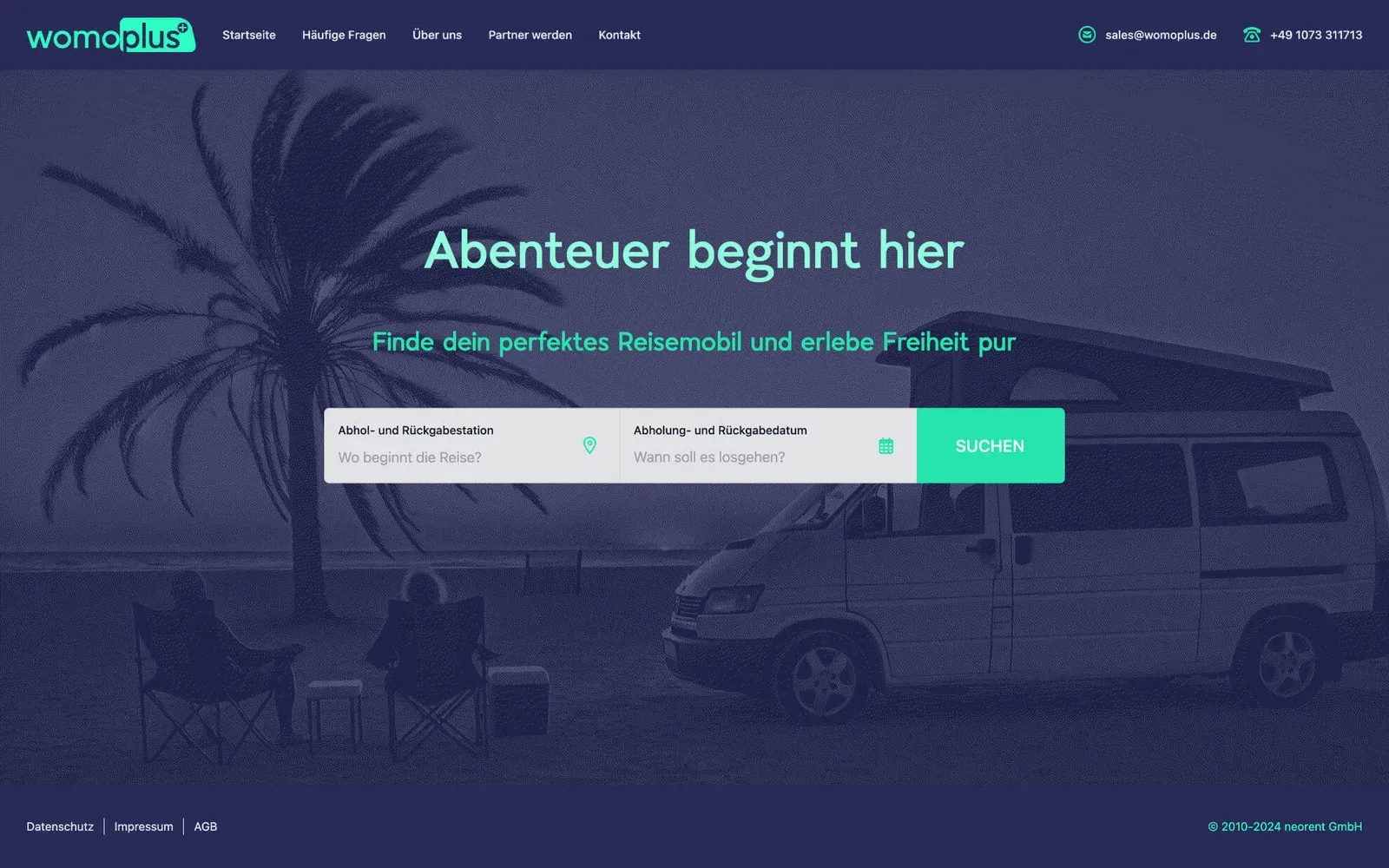
Booking portal in the womoplus design with search by pick-up location and travel period
Booking portal in a warm orange design with search field
Booking portal with a large vehicle photo as background and search field

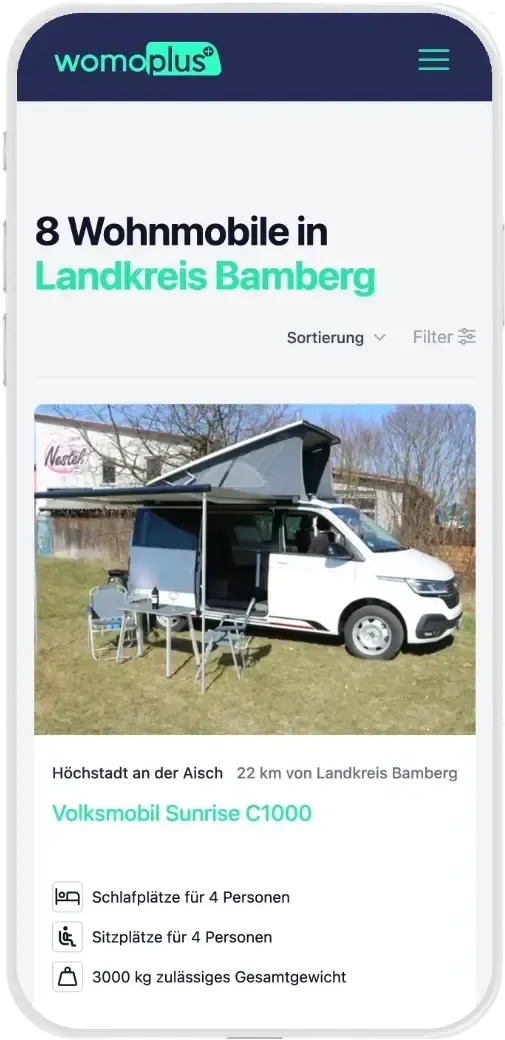
Vehicle list and overview

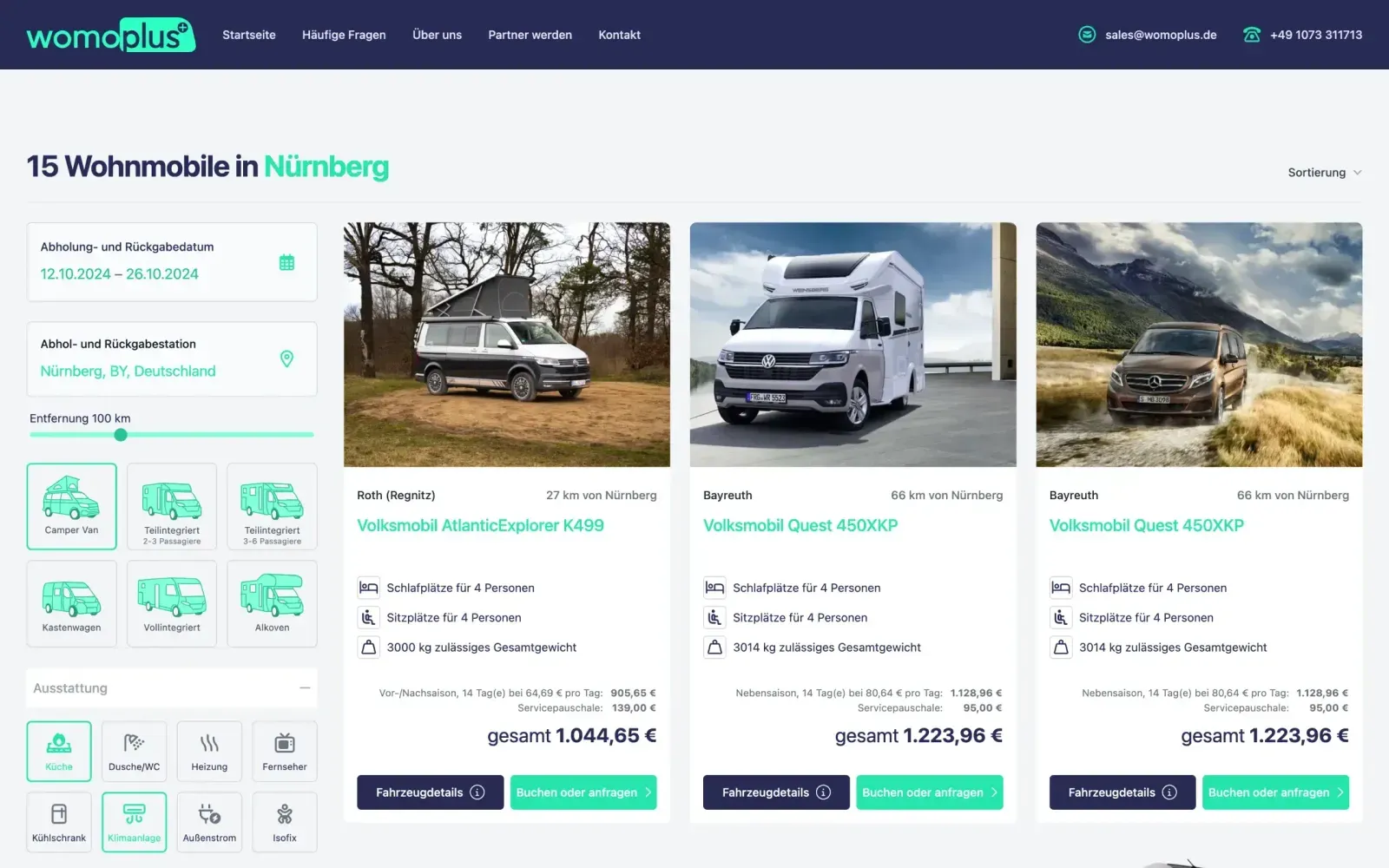
Present your fleet clearly. Customers search, filter and sort until they find the right motorhome – special offers stand out immediately.

  • Real-time availabilityCustomers see immediately which vehicles are free on their preferred dates.
  • Radius search (optional)With several locations, find motorhomes near the desired place.
  • FiltersBy vehicle type, equipment, size and other features.
  • Special offersHighlight discounts and promotions prominently.
  • SortingBy price, popularity or other criteria.
Vehicle list with radius search, filters by vehicle type and total prices
The same vehicle list in the design of another rental company

The detail view

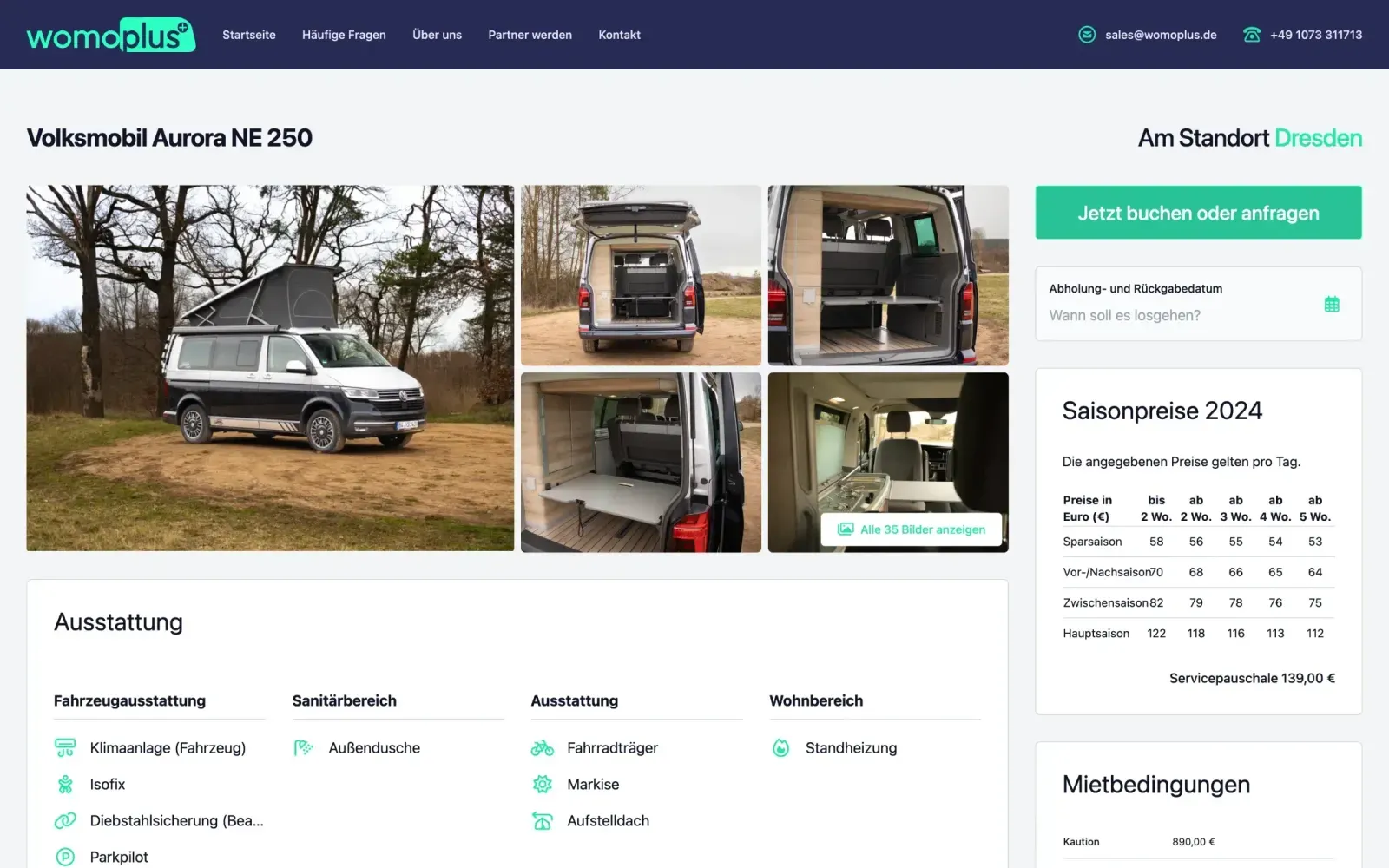
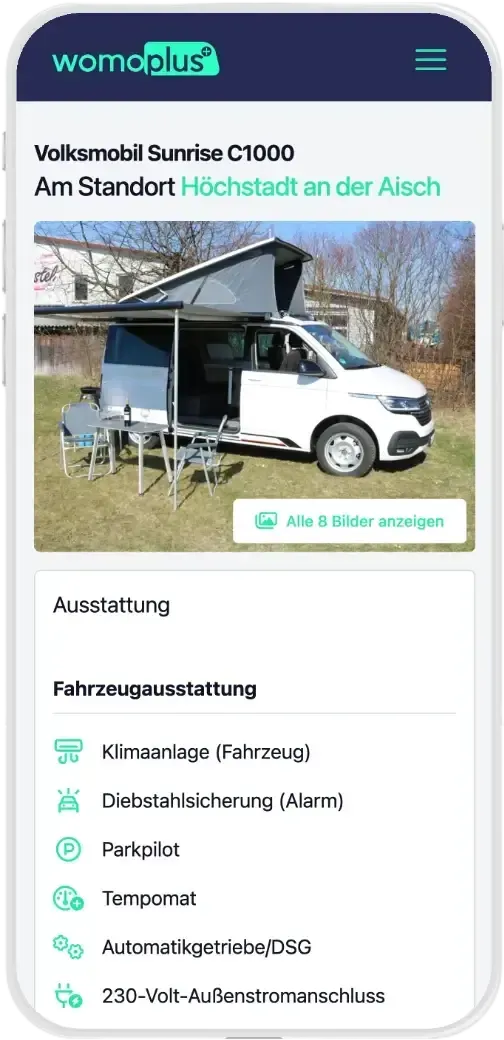
Every motorhome gets its own page with everything renters need for their decision – from the image gallery to the rental conditions.

  • Image galleryHigh-resolution photos of the interior and exterior.
  • Vehicle descriptionEquipment, dimensions, weight, engine and consumption.
  • Transparent pricesRental price, additional costs and discounts clearly broken down.
  • Rental conditionsImportant contract information at a glance.
  • Availability calendarFree dates right at the vehicle.
Detail page of a camper van with image gallery, equipment, seasonal prices and booking button

The booking process

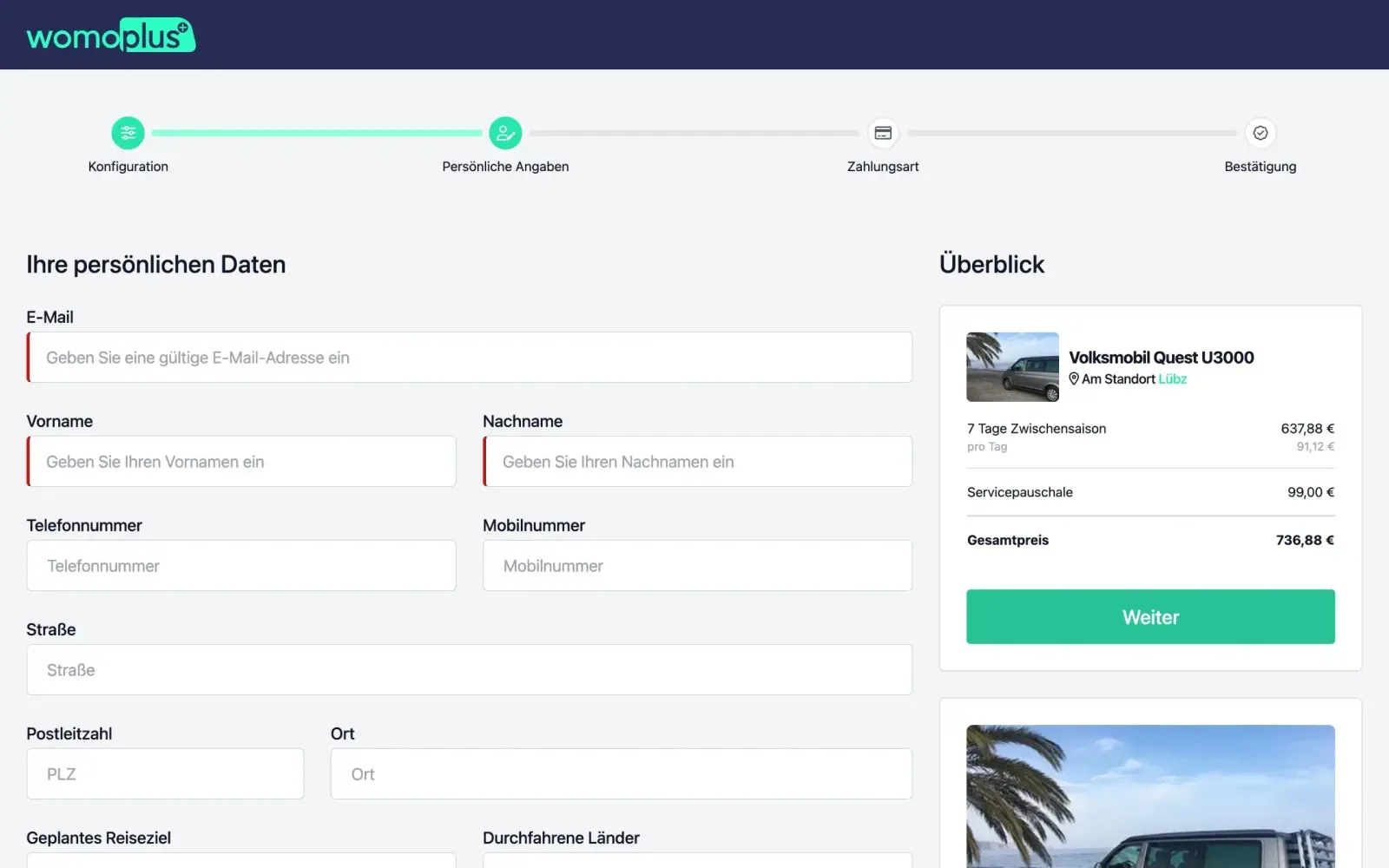
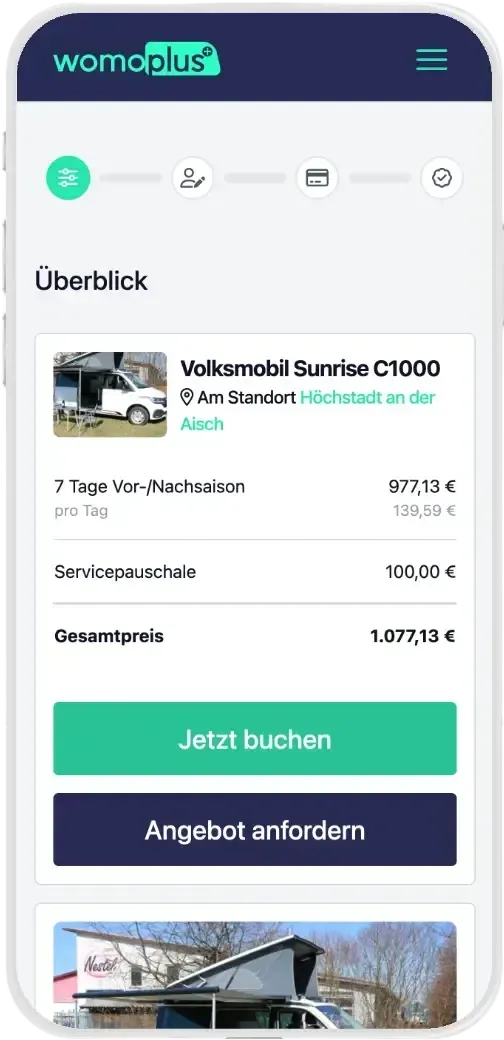
Your customers go straight from selection to payment – with extras, voucher code and a clear summary before completing the booking.

  • Quick bookingStart directly from the vehicle list or the detail view.
  • Voucher codesRedeem discount codes and special conditions.
  • Your own extrasLet customers add additional services that you define yourself.
  • Online payment or prepaymentCustomers choose the payment method that suits them.
  • SummaryCheck all booking details before payment.
  • Straight into the systemAfter completion, the booking status is updated automatically.
Booking process: entering personal details with an overview of the booking
Booking process: choosing the payment method – bank transfer or online payment

Fully mobile-ready

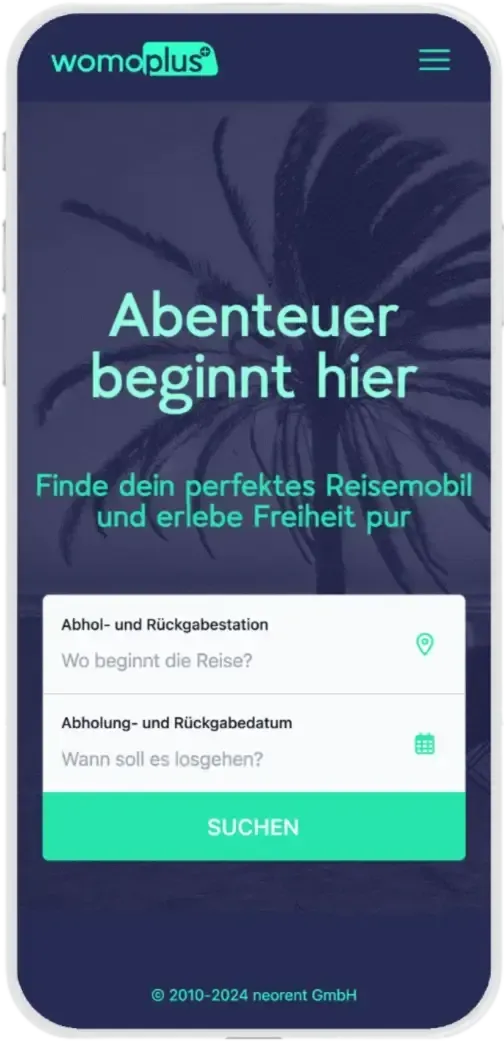
The portal is also built for smartphones – from the start page and the vehicle list to payment.

Start page of the booking portal on a smartphone
Vehicle list on a smartphone
Detail view of a motorhome on a smartphone
Completing a booking on a smartphone

The software suite

Even more from one system

  • Cockpit of the rental software with occupancy and revenue

    Rental software

    Planning board, cockpit, prices, emails and damages – the management behind every booking.

  • Handover app with daily list and contract details

    Handover app

    Paperless handovers and returns right at the vehicle – with checklists, damage photos and digital signature.

FAQ

Questions about the booking portal

Can I adapt the design to my company?

Yes. You adapt colours, fonts and layout to your corporate design using CSS variables and your own CSS. We are happy to support you if needed.

Which payment methods can my customers use?

Online payment and prepayment are available in the booking process.

Does the portal work with multiple locations?

Yes. With several locations, customers find motorhomes near their desired place via the optional radius search.

What happens after a booking?

The booking lands directly in the rental software, the status is updated automatically, and the reservation and emails are handled automatically.

All questions and answers

Personal demo

Your portal for direct bookings

We show you what your own booking portal can look like and how it works together with the rental software.