Handover app

The handover app for handovers and returns

Your digital assistant at the vehicle: your team handles handovers and returns without paper – with a daily overview, contract details, custom checklists and integrated damage management.

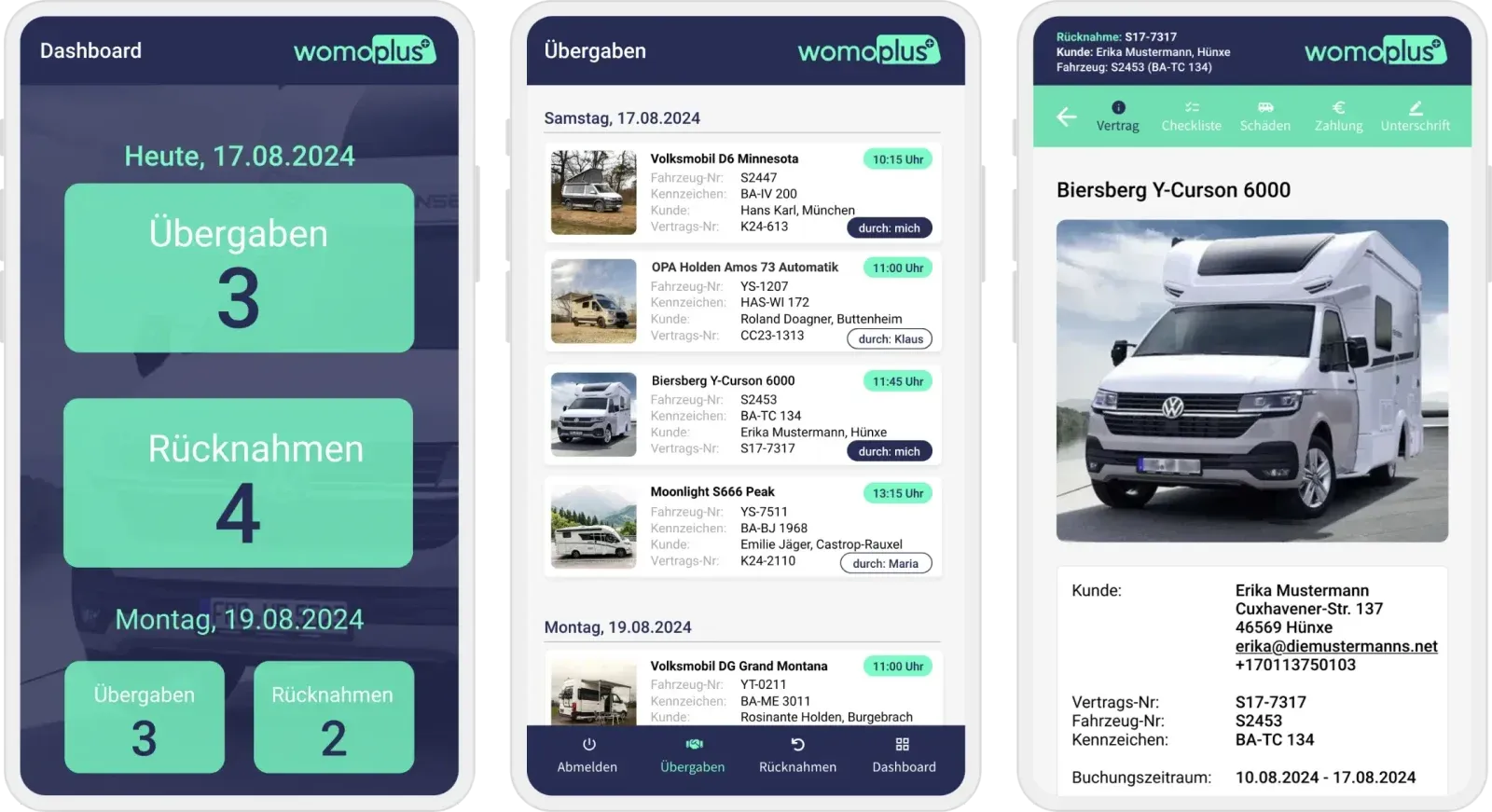
womoplus handover app: dashboard, daily list of handovers and vehicle details

Features

The digital handover report at the vehicle

Everything that used to be on paper is now on your smartphone or tablet – connected to the booking in the rental software.

Every booking at a glance

The dashboard shows the day's handovers and returns. For each booking you see contract details, customer data and attached documents.

  • Daily overviewHandovers and returns for today and the coming days.
  • Contract detailsCustomer, vehicle, licence plate and booking period.
  • DocumentsDocuments attached to the booking directly in the app.
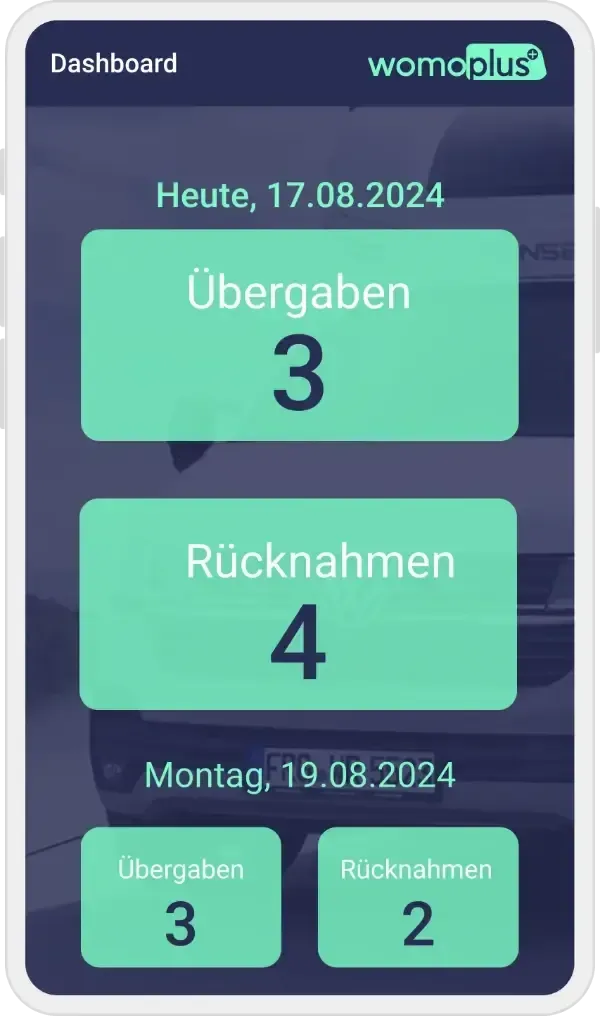
Dashboard of the handover app with the number of the day's handovers and returns
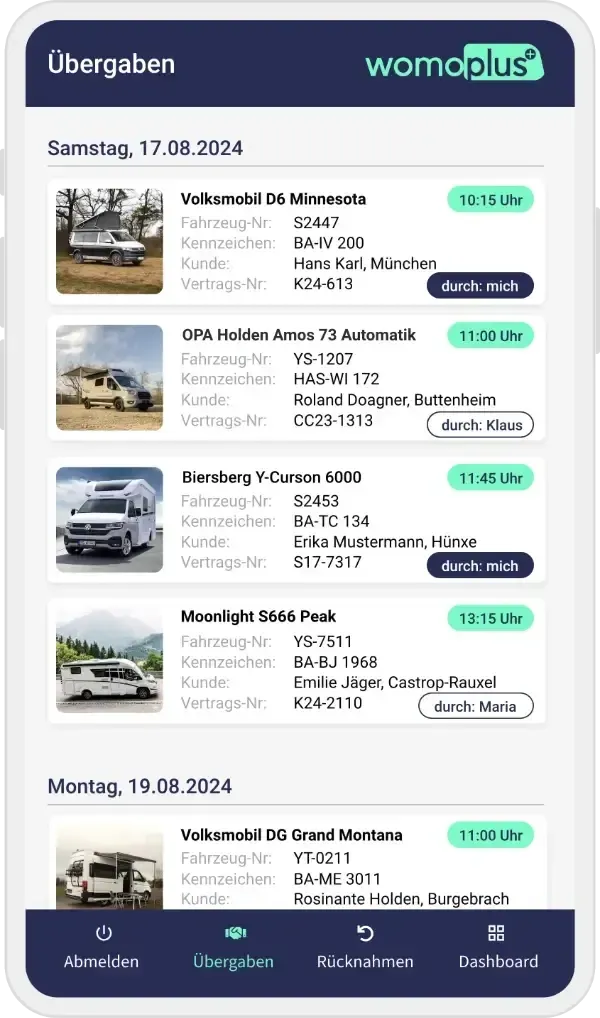
List of upcoming handovers with vehicle, customer and time
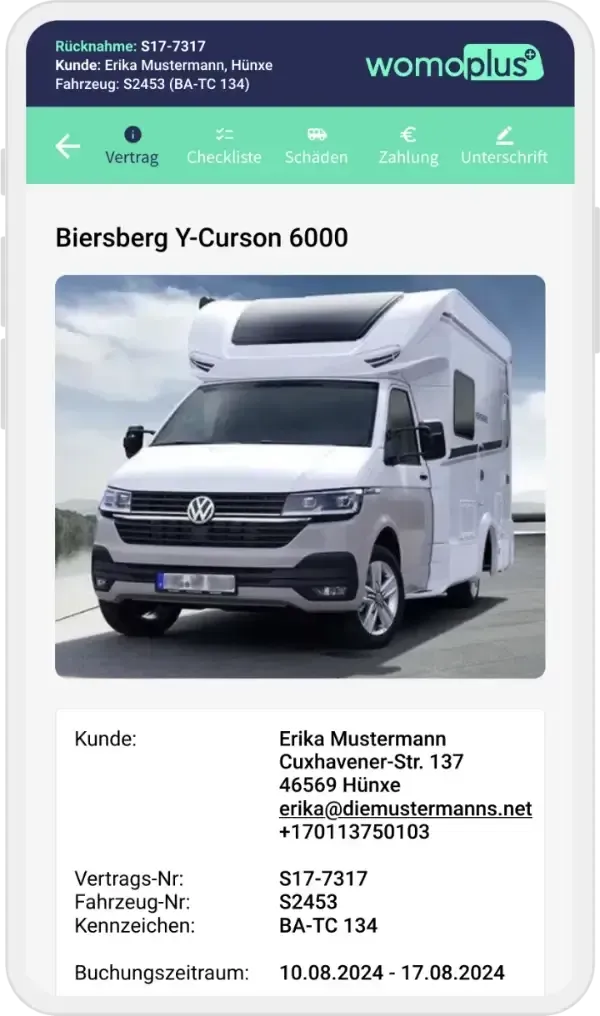
Contract details of a handover with vehicle photo, customer and booking period
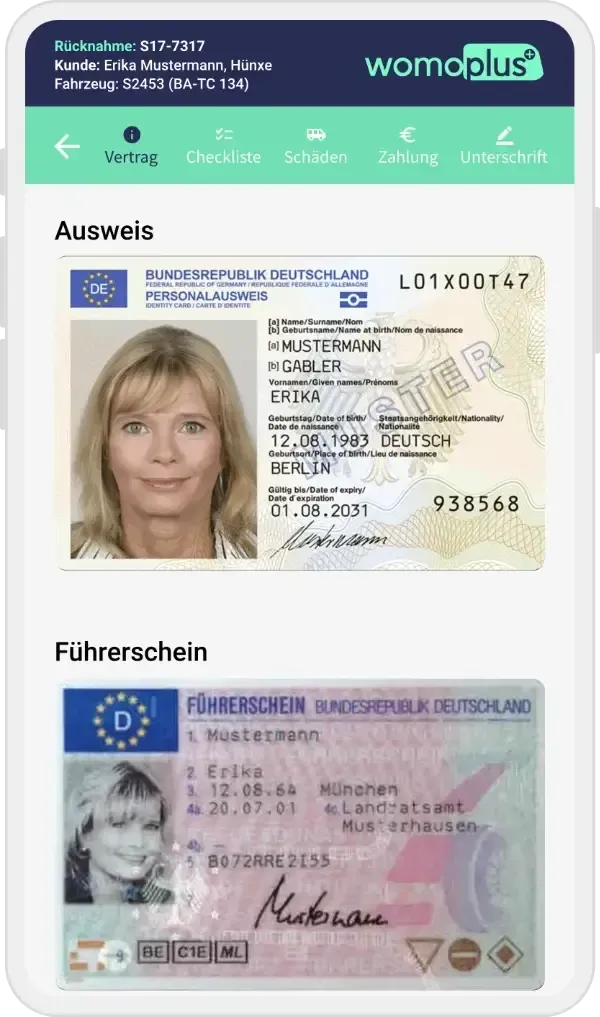
ID documents attached to the booking in the app

Checklists instead of paperwork

You work through every handover and return using your own checklists. The app points out special features of the booking and shows everything that is handed over or returned.

  • Your own checklistsYou decide what is checked at handover and return.
  • Booking notesSpecial features appear directly in the process.
  • Extras and accessoriesBooked extras, car keys, gas bottles and more at a glance.
  • Digital signatureThe customer signs right at the vehicle after completion.
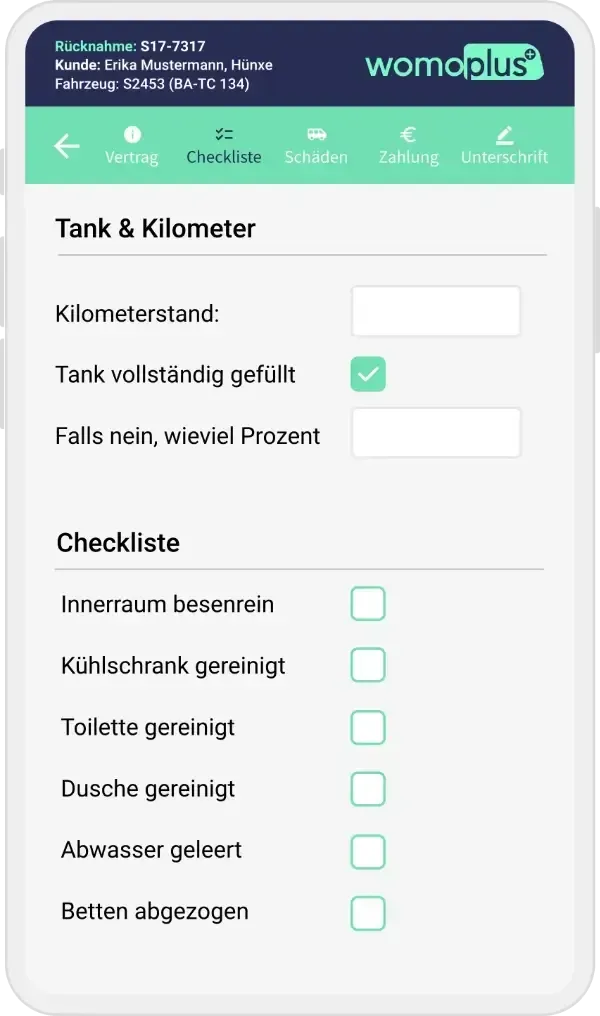
Return checklist with mileage, fuel level and cleaning items
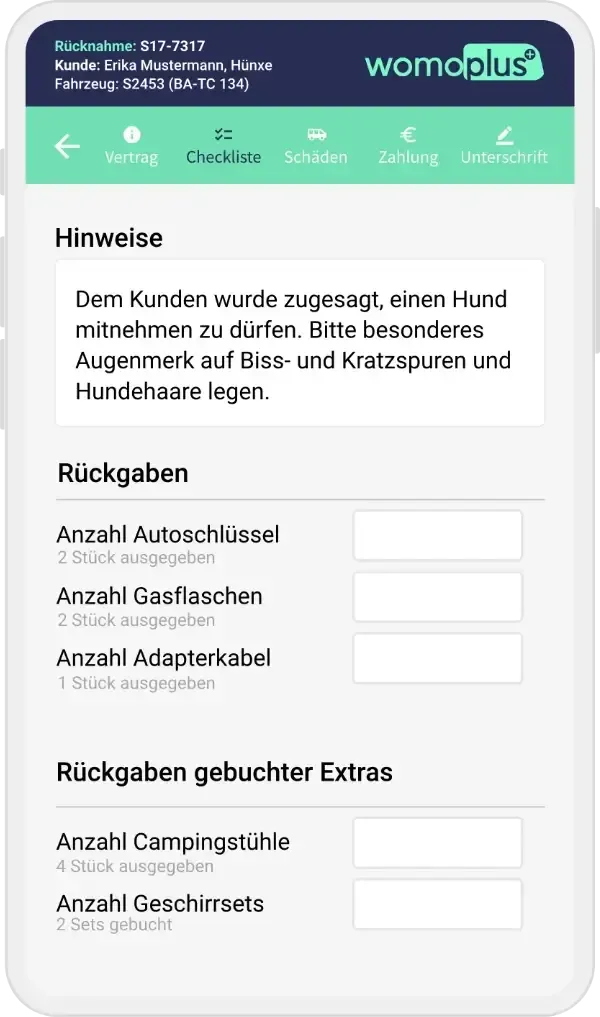
Booking notes and return of car keys, gas bottles and booked extras
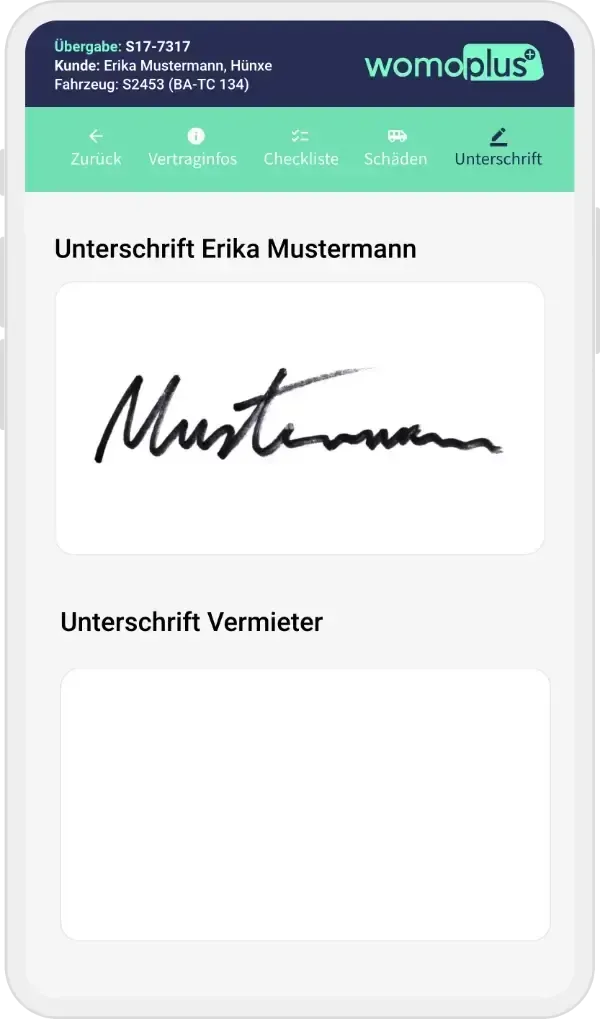
Customer's digital signature in the app

Damage management on site

You see existing damages, add new ones and attach photos – in real time and without switching systems. This way you know the condition of every vehicle, and handling with customers and insurers becomes easier.

  • Existing damagesView all known damages of the vehicle before handover.
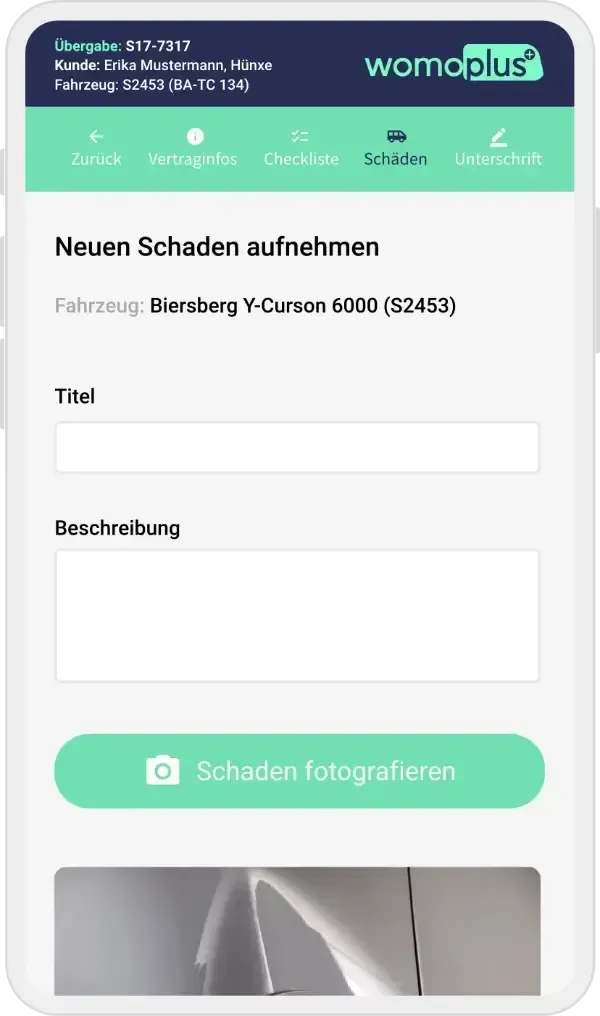
  • New damages with photoCapture them directly with the device's camera.
  • Precisely describedLocate and describe every damage.
  • No switching systemsRecorded damages are in the system immediately.
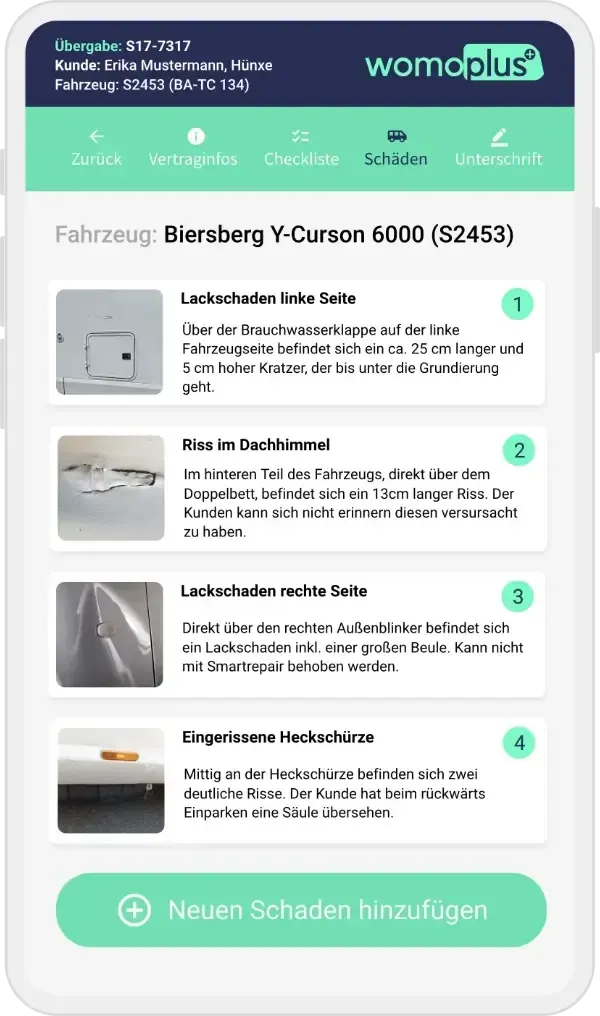
List of known damages of a vehicle with photos
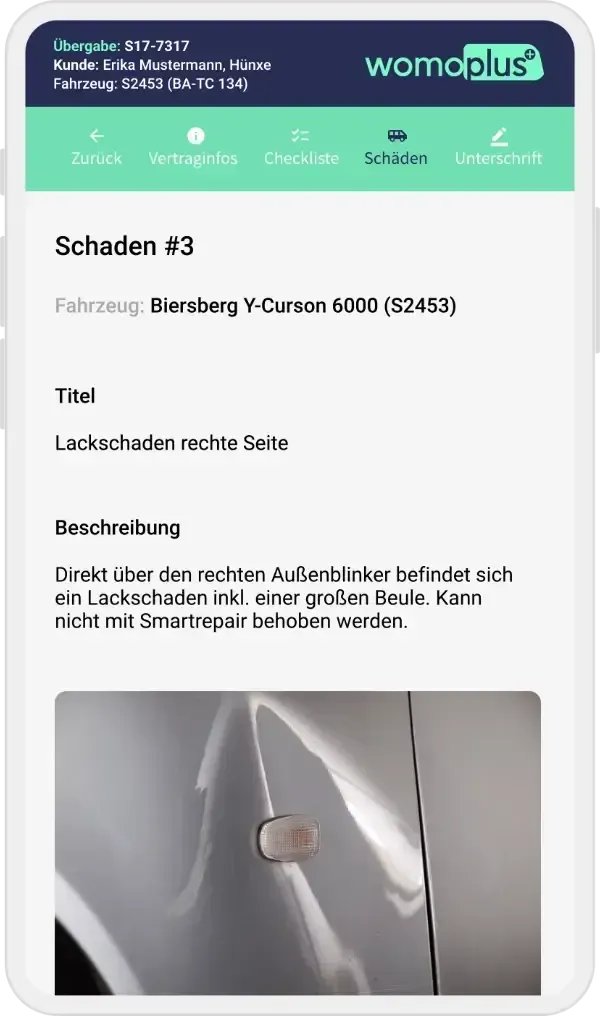
Single damage with title, description and photo
Form for recording a new damage with a button for taking photos

Web app for every device

The handover app runs in the browser – on smartphone, tablet or computer. All you need is an internet connection, and you can add it to your home screen like a normal app.

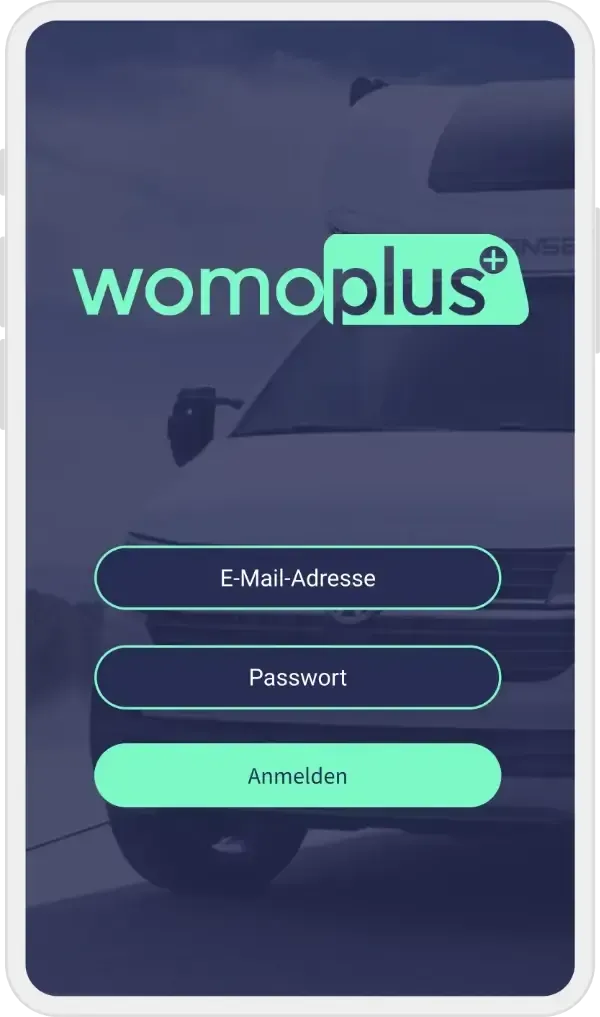
  • No app storeOpen the address in the browser, log in, get started.
  • On the home screenOpened with one tap as a shortcut on iPhone, iPad and Android devices.
Logging in to the handover app on a smartphone

How a handover works

Hand over in four steps

  1. Open the handover

    Choose the booking in the daily list – contract, vehicle and documents are there immediately.

  2. Work through the checklist

    Check item by item and hand over extras, keys and accessories.

  3. Document damages

    Check existing damages, record new ones with a photo.

  4. Get it signed

    The customer signs digitally right at the vehicle.

The software suite

Even more from one system

  • Cockpit of the rental software with occupancy and revenue

    Rental software

    Planning board, cockpit, prices, emails and damages – the management behind every handover.

  • Online booking portal in three different designs

    Online booking portal

    Your customers book their motorhome directly online – in your brand design, with real-time availability.

FAQ

Questions about the handover app

Which devices does the handover app run on?

On smartphones and tablets – and on any other device with a browser and internet connection. Your staff complete every step right at the vehicle.

Do I have to install the app?

No. The handover app is a web app. You open it in the browser and can add a shortcut to your home screen so it starts like a normal app.

Can the customer sign right at the vehicle?

Yes. After the handover or return is completed, the customer signs digitally directly in the app.

How do damages get into the rental software?

Damages you record in the app are in the system immediately – with description and photos. There you use them for the damage history of the vehicle and the security deposit settlement.

All questions and answers

Personal demo

Handovers without paper

We show you the handover app based on your processes – from the checklist to the signature.